Hub
ComfyUI models
What will you make next? Try the latest AI models with your own ideas, right in your browser.
All models 24
Models
- ByteDance
Seedance 2.5 Reference-to
Videobyteplusseedanceseedance-2.5referencemultimodal - ByteDance
Seedance 2.5 Video Edit
Videobyteplusseedanceseedance-2.5video-editedit - Kling
Kling O3 Video Edit
Videoklingvideoomni-provideo-edit - ByteDance
Seedance 2.5 Text-to
Videobyteplusseedanceseedance-2.5text-to-video - ByteDance
Seedance 2.5 First-Last Frame
Videobyteplusseedanceseedance-2.5first-last-frame - ByteDance
Seedance 2.0 Image-to
Videobyteplusseedanceseedance-2videofirst-last-frame - Kling
Kling 3.0 Turbo Text-to
Videokling3.0turbovideotext-to-video - xAI
Grok Imagine Video 1.5 Text-to
Videogrokxaivideo1.5text-to-videoimage-to-video - xAI
Grok Imagine Video Image-to
Videogrokxaivideotext-to-videoimage-to-video - Wan
Wan 3.0 Image-to
Videowanwan3.0videoimage-to-videoaudio - Wan
Wan 3.0 Reference-to
Videowanwan3.0videoreference-to-videoaudio - Wan
Wan 3.0 Text-to
Videowanwan3.0videotext-to-videoaudio - Google
Gemini Omni 1.1 Flash Text-to
Videogeminiomniomni-1.1videogenerationedittext-to-videovideo-edit - ByteDance
Seedance 2.0 Text-to
Videobyteplusseedanceseedance-2videotext-to-video - ByteDance
Seedance 2.0 Reference-to
Videobyteplusseedanceseedance-2videoreferencemultimodal - xAI
Grok Imagine Video Reference-to
Videogrokxaivideoreferenceimage-to-video - xAI
Grok Imagine Video Text-to
Videogrokxaivideotext-to-videoimage-to-video - ByteDance
Seedance 2.0 Fast Reference-to
Videobyteplusseedanceseedance-2videoreferencemultimodal - Kling
Kling O3 Image-to
Videoklingvideoomni-proimage-to-video - Kling
Kling 3.0 Text-to
Videoklingvideov3text-to-videoimage-to-video - Kling
Kling O3 Text-to
Videoklingvideoomni-protext-to-video - ByteDance
Seedance 2.0 Mini Text-to
Videobyteplusseedanceseedance-2-minivideotext-to-video4k - ByteDance
Seedance 2.0 Fast Text-to
Videobyteplusseedanceseedance-2videotext-to-video - ByteDance
Seedance 2.0 Fast First-Last Frame
Videobyteplusseedanceseedance-2videofirst-last-frame
This page link is out of date. Showing the first page of the current results.
Grok Imagine in ComfyUI
Comfy is the AI creation engine for visual professionals who demand control over every model, every parameter, and every output.
Try Grok Imagine NowGrok Image and Video Creations
Explore Workflows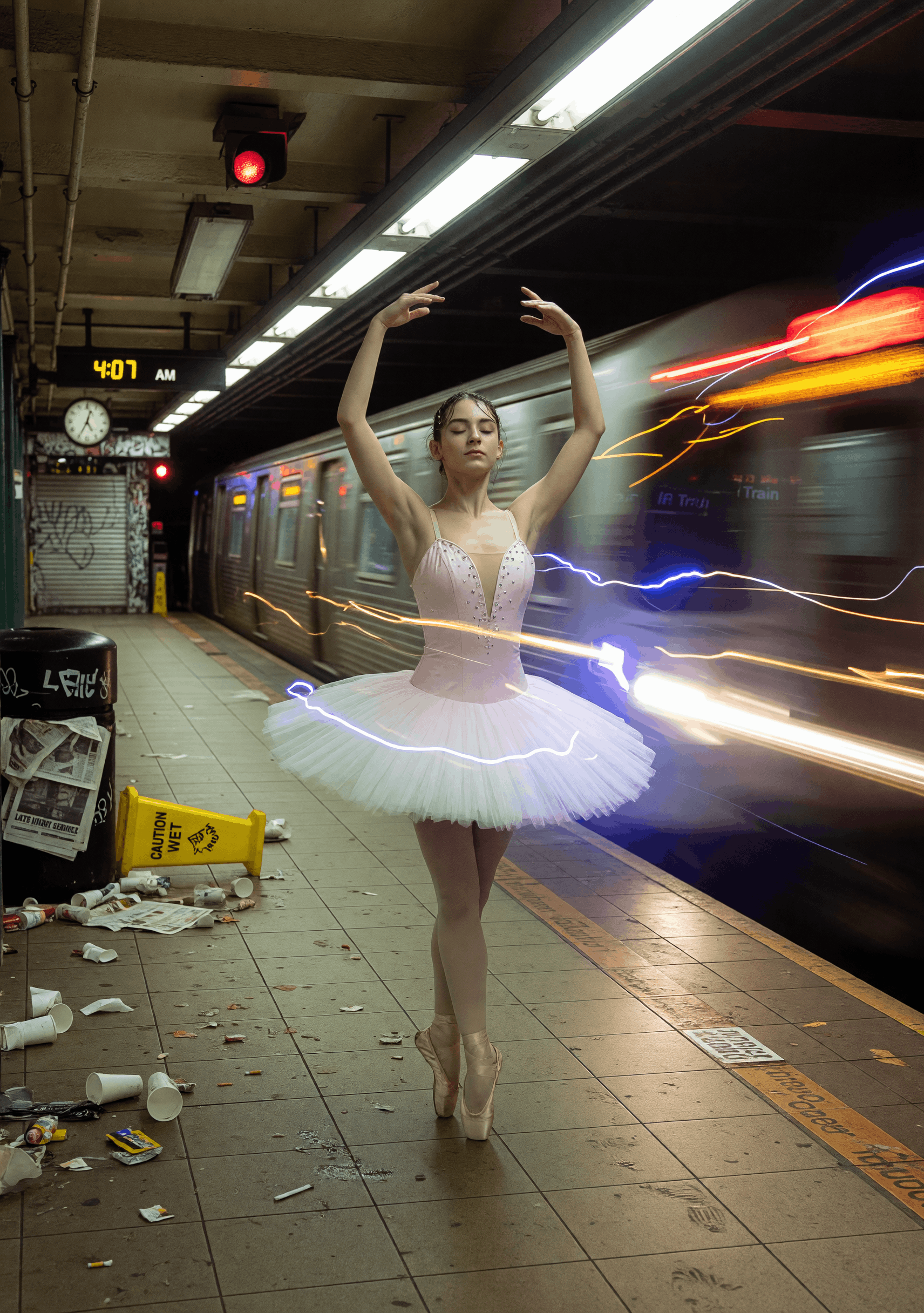
Subway Swan
ByPurz BeatsandComfyteam usingGrok Imagine
Milos Little Wonder
ByPurz BeatsandComfyteam usingGrok Imagine

Amber Passage
ByPurz BeatsandComfyteam usingGrok Imagine
Neon Revenant
ByEric SolorioandComfyteam usingGrok Imagine
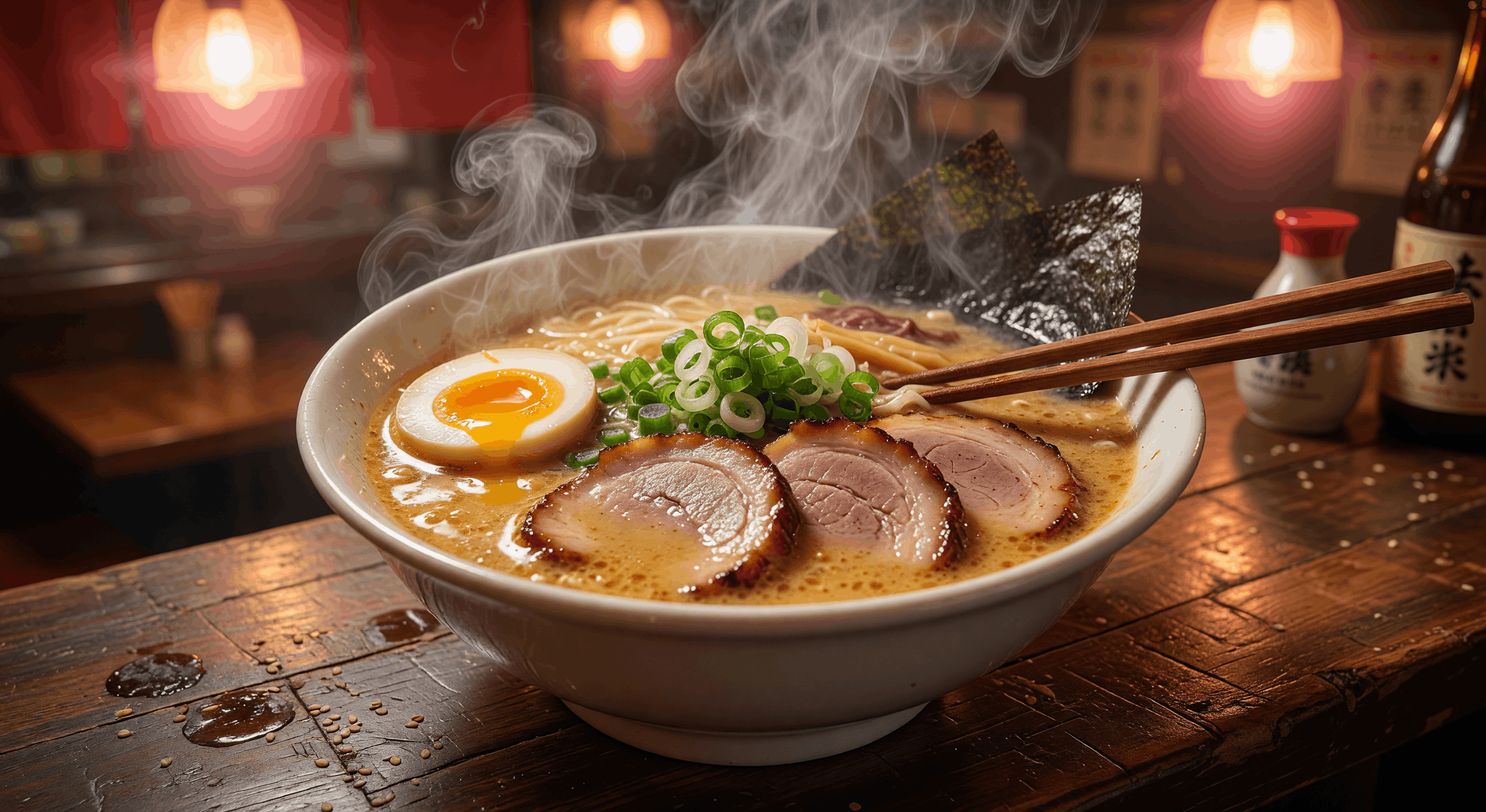
Midnight Umami
ByPurz BeatsandComfyteam usingGrok Imagine



 WORKS

Connect models, processing steps, and outputs on a canvas where every decision is visible and every step is inspectable.
Start from a community template or build from scratch.


All models by provider
148 models
All models by provider
148 modelsBlack Forest Labs
- FLUX 2 Max Text-to-Image
- FLUX 2 Pro Text-to-Image
- FLUX 3 Video Image-to-Video
- FLUX 3 Video Text-to-Video
- FLUX Pro 1.1 Text-to-Image
- FLUX Pro 1.1 Ultra Text-to-Image
- FLUX Pro Expand
- FLUX Pro Fill
- FLUX Tools Erase
- FLUX Video Upscale
- FLUX Virtual Try-On
- FLUX.1 Kontext Max Image Edit
- FLUX.1 Kontext Pro Image Edit
Bria
ByteDance
- Seed Audio 1.0 Multilingual Text-to-Speech
- Seed Audio 1.0 Text-to-Speech
- Seedance 2.0 Fast First-Last Frame
- Seedance 2.0 Fast Reference-to-Video
- Seedance 2.0 Fast Text-to-Video
- Seedance 2.0 Image-to-Video
- Seedance 2.0 Mini Text-to-Video
- Seedance 2.0 Reference-to-Video
- Seedance 2.0 Text-to-Video
- Seedance 2.5 First-Last Frame
- Seedance 2.5 Reference-to-Video
- Seedance 2.5 Text-to-Video
- Seedance 2.5 Video Edit
- Seedream 4.0 Image Edit
- Seedream 4.0 Text-to-Image
- Seedream 4.5 Image Edit
- Seedream 4.5 Text-to-Image
- Seedream 5.0 Lite Image Edit
- Seedream 5.0 Lite Text-to-Image
- Seedream 5.0 Pro Image Edit
- Seedream 5.0 Pro Layer Separation
- Seedream 5.0 Pro Text-to-Image
ElevenLabs
Freepik
- Gemini Omni 1.1 Flash Image-to-Video
- Gemini Omni 1.1 Flash Text-to-Video
- Gemini Omni 1.1 Flash Video Edit
- Gemini Omni Flash Preview Image-to-Video
- Gemini Omni Flash Preview Text-to-Video
- Gemini Omni Flash Preview Video Edit
- Nano Banana 2 Image Edit
- Nano Banana 2 Text-to-Image
- Nano Banana Image Edit
- Nano Banana Pro Image Edit
- Nano Banana Pro Text-to-Image
- Nano Banana Text-to-Image
- Veo 3 First-Last Frame
- Veo 3 Image-to-Video
- Veo 3 Text-to-Video
Kling
Luma
- Luma Photon 1 Image Edit
- Luma Photon 1 Text-to-Image
- Luma Photon Flash 1 Image Edit
- Luma Photon Flash 1 Text-to-Image
- Luma Ray 2 Image-to-Video
- Luma Ray 2 Text-to-Video
- Luma Ray Flash 2 Image-to-Video
- Luma Ray Flash 2 Text-to-Video
- Luma Uni 1 Image Edit
- Luma Uni 1 Max Image Edit
- Luma Uni 1 Max Text-to-Image
- Luma Uni 1 Text-to-Image
OpenAI
Qwen
Recraft
- Recraft V3 Text-to-Image
- Recraft V3 Text-to-Vector
- Recraft V4 Pro Text-to-Image
- Recraft V4 Pro Text-to-Vector
- Recraft V4 Text-to-Image
- Recraft V4 Text-to-Vector
- Recraft V4.1 Pro Text-to-Image
- Recraft V4.1 Pro Text-to-Vector
- Recraft V4.1 Text-to-Image
- Recraft V4.1 Text-to-Vector
- Recraft V4.1 Utility Pro Text-to-Image
- Recraft V4.1 Utility Pro Text-to-Vector
- Recraft V4.1 Utility Text-to-Image
- Recraft V4.1 Utility Text-to-Vector
Runway
Wan
- HappyHorse Reference-to-Video
- HappyHorse Text-to-Video
- HappyHorse Video Edit
- Wan 2.5 Image Edit
- Wan 2.5 Text-to-Image
- Wan 2.6 Image-to-Video
- Wan 2.6 Reference-to-Video
- Wan 2.6 Text-to-Video
- Wan 2.7 Image-to-Video
- Wan 2.7 Reference-to-Video
- Wan 2.7 Text-to-Video
- Wan 2.7 Video Continuation
- Wan 2.7 Video Edit
- Wan 3.0 Image-to-Video
- Wan 3.0 Prime Image-to-Video
- Wan 3.0 Prime Reference-to-Video
- Wan 3.0 Prime Text-to-Video
- Wan 3.0 Reference-to-Video
- Wan 3.0 Text-to-Video